
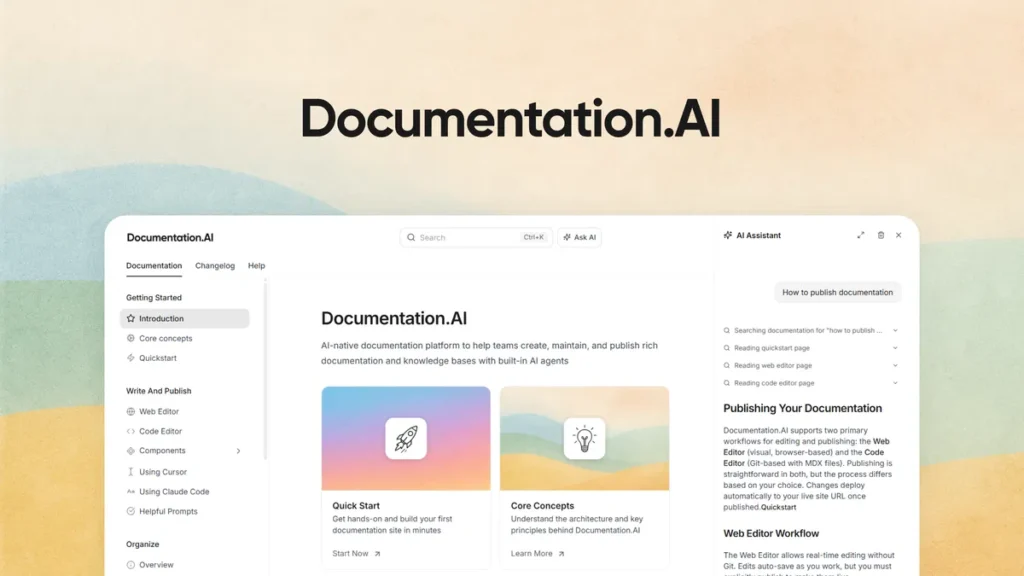
If you’ve ever been responsible for maintaining documentation—whether for a SaaS product, an API, or even an internal knowledge base—you already know the quiet frustration that comes with it. It starts out clean and organized. Then updates pile up. Features change. Screenshots go out of date. Before long, your “help center” becomes more confusing than helpful.
Well, that’s exactly the kind of problem Documentation.AI is trying to solve.
In this review, I’ll walk you through what Documentation.AI feels like to use, where it stands out, and why it’s getting attention from teams who are tired of wrestling with outdated docs.
First Impressions: Not Just Another Documentation Tool
At first glance, Documentation.AI might look like yet another platform in the crowded documentation space. You’ve probably seen tools that promise clean layouts, Markdown support, and fast publishing. That’s not new.
But here’s where things start to feel different.
Instead of treating documentation as something static—a set of pages you write once and forget—Documentation.AI approaches it as something alive. Something that evolves alongside your product.
And honestly, that shift in mindset changes everything.
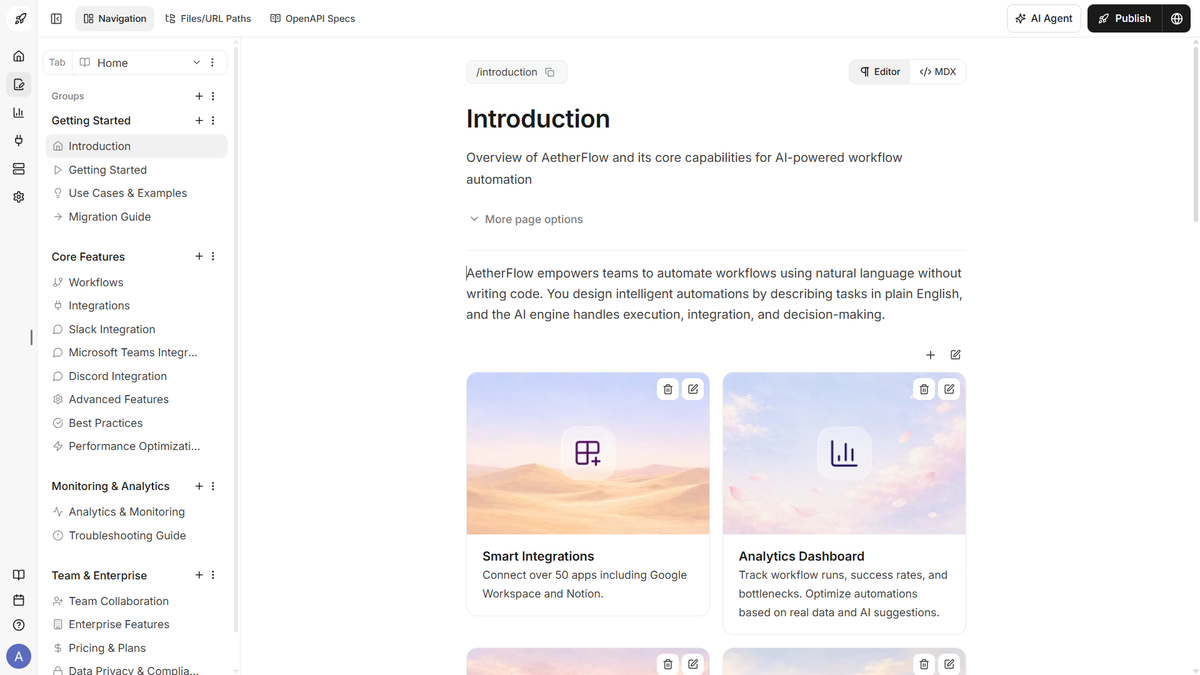 Publish and customize with ease
Writing Documentation Feels… Less Painful
Let’s start with the writing experience.
Most documentation tools either lean heavily into developer workflows (Markdown, Git-based systems) or try to be overly visual and beginner-friendly. Rarely do they strike a balance.
Documentation.AI manages to sit somewhere in between.
You can write in a clean, distraction-free editor that feels familiar—almost like using Notion or a lightweight CMS. But underneath that simplicity, there’s structure. The kind that developers appreciate.
For example, imagine you’re documenting an API endpoint. Instead of manually formatting everything, the system can assist you by suggesting structure, filling in repetitive sections, and even refining your wording. It’s not intrusive, but it’s there when you need it.
Actually, it feels a bit like having an editor sitting beside you, quietly nudging you toward clarity.
The AI Layer: Where Things Get Interesting
Now, let’s talk about the real differentiator—the AI.
Plenty of tools slap “AI-powered” on their homepage these days. But in Documentation.AI, the AI isn’t just a gimmick.
It’s woven into the workflow.
Content Generation That Doesn’t Feel Generic
You can generate drafts, expand sections, or rewrite explanations. But what stands out is that the output doesn’t feel overly robotic. It adapts to context surprisingly well.
Say you’re explaining a feature like user authentication. Instead of giving you a bland definition, it can produce a structured explanation with examples, edge cases, and even suggested formatting.
It’s not perfect, of course. You’ll still want to tweak things. But it gets you 70–80% of the way there, which is often the hardest part.
Keeping Documentation Up-to-Date (Finally)
Here’s where things get genuinely useful.
One of the biggest issues with documentation is decay. You launch a feature, document it, and then… things change. Quietly. Gradually. Until your docs are lying to your users.
Documentation.AI attempts to tackle this by monitoring changes and suggesting updates.
Think of it like this: instead of periodically asking, “Hey, is this still accurate?” the system proactively flags sections that might need attention.
It’s a bit like having a smoke detector for outdated content.
And for teams shipping updates frequently, that’s not just helpful—it’s essential.
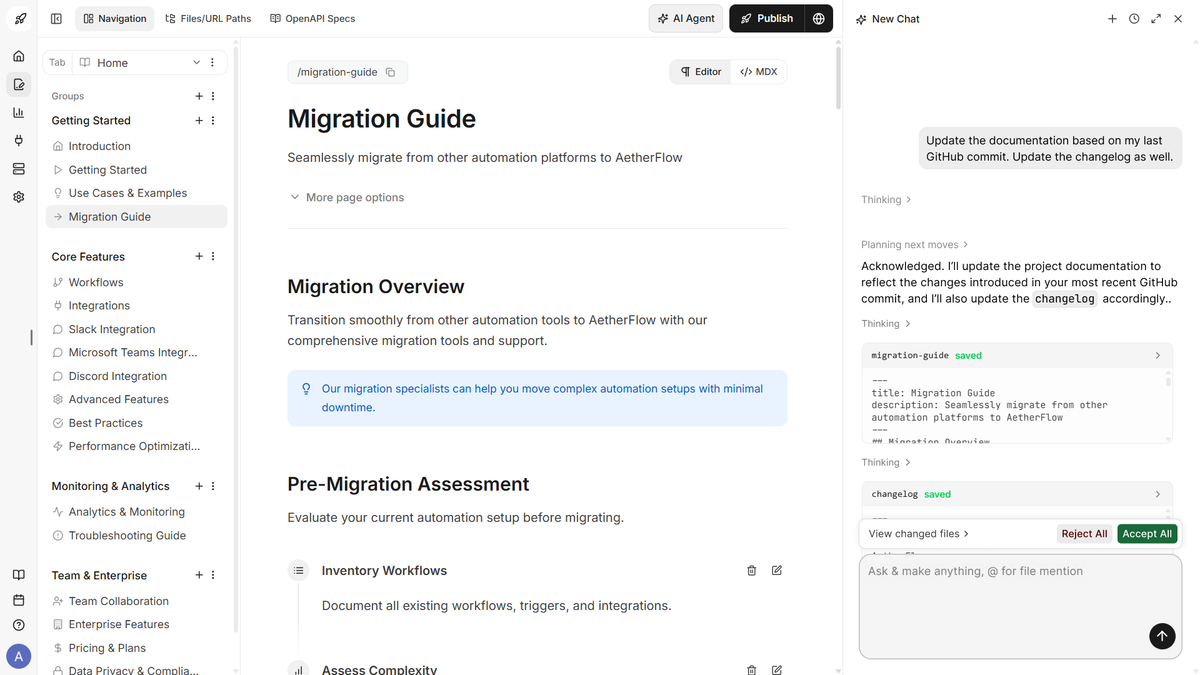 Maintain docs with an AI Documentation Agent
Built for Readers, Not Just Writers
Let’s flip the perspective for a second.
Most documentation tools focus on the people writing the docs. But what about the people reading them?
That’s where Documentation.AI quietly shines.
Search That Actually Understands Questions
Instead of relying on keyword-based search, it allows users to ask questions in plain language.
For instance:
“How do I integrate this with Stripe?”
“What’s the rate limit for this API?”
And instead of dumping a list of links, it gives a direct answer pulled from your documentation.
That’s a subtle but powerful shift.
Because let’s be honest—most users don’t want to browse documentation. They want answers. Fast.
A Built-In Assistant for Your Docs
Here’s a scenario.
Imagine a developer is integrating your API at 2 a.m. They hit a roadblock. Normally, they’d skim through pages, maybe open a support ticket, or just give up.
With Documentation.AI, they can ask a question directly within your docs and get an instant, contextual response.
It’s like turning your documentation into a conversation.
And that changes how people interact with your product.
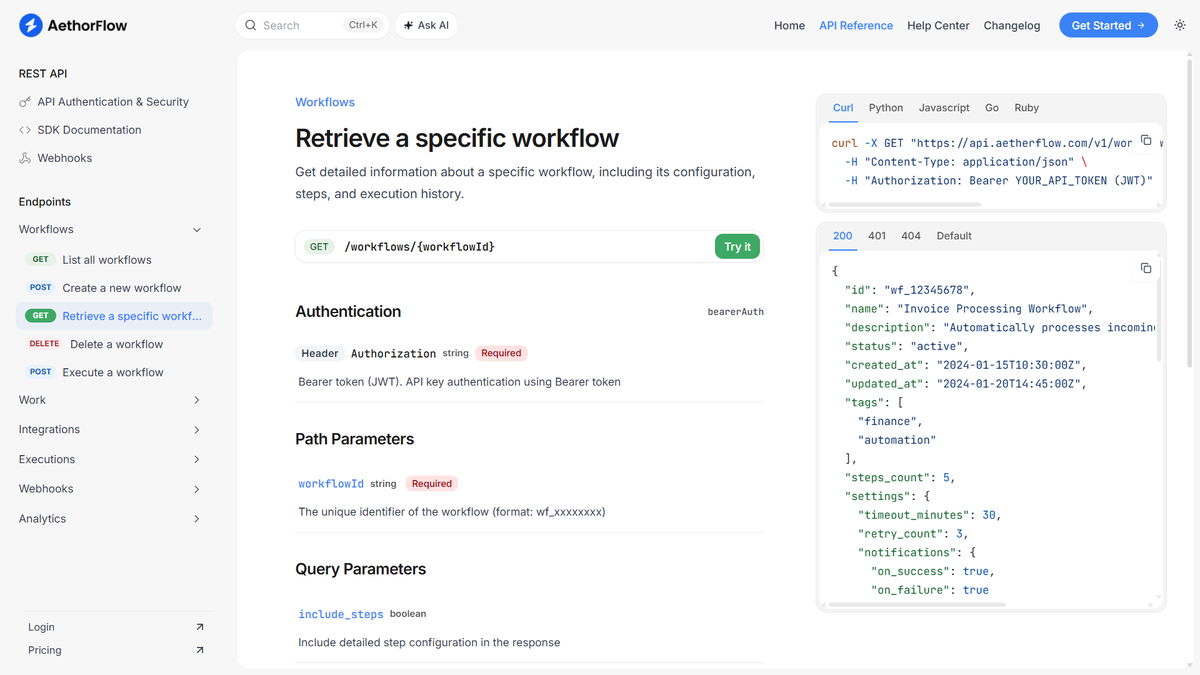
Flexibility in Workflow
One thing that often gets overlooked in documentation tools is flexibility.
Some teams prefer a “docs-as-code” approach. Others want a visual editor. And sometimes, within the same team, you’ll have both preferences.
Documentation.AI doesn’t force you into one workflow.
You can:
Work with structured content
Sync with development workflows
Or write directly in the platform
That adaptability makes it easier to adopt without disrupting how your team already works.
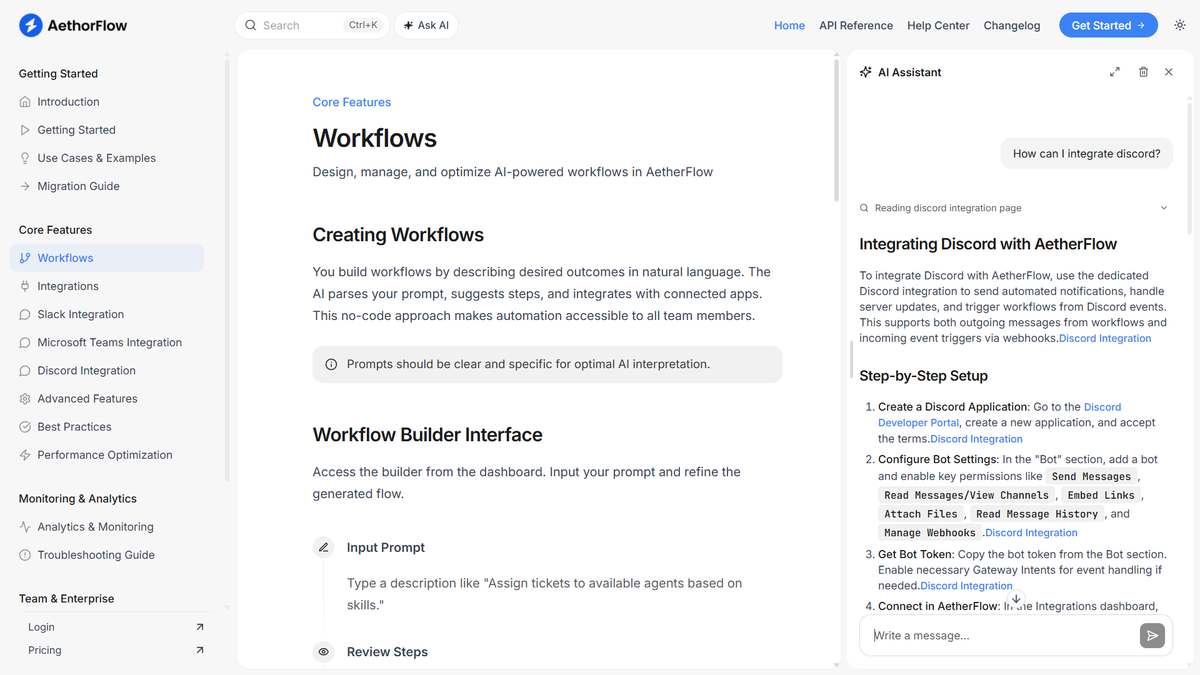 Improve onboarding with an AI assistant
Real-World Use Case
Let’s make this concrete.
Imagine you’re running a SaaS product with a growing user base. Your support inbox is filling up with repetitive questions:
“How do I reset my password?”
“Where can I find billing settings?”
“Why isn’t this feature working?”
You decide to invest in better documentation.
With Documentation.AI, you start building a knowledge base. The AI helps you draft articles quickly. Over time, it suggests improvements and flags outdated sections.
Users begin finding answers on their own. Support tickets drop.
But here’s the kicker—users can now ask questions directly within your docs and get instant answers.
Suddenly, your documentation isn’t just a resource. It’s part of the product experience.
Subtle Details That Make a Difference
Sometimes, it’s the small things that stand out.
The interface feels clean without being sterile. Navigation is intuitive. Content organization doesn’t become a headache as your docs grow.
And there’s a sense that the tool was built with real-world usage in mind—not just ideal scenarios.
Even the way it handles formatting and structure feels thoughtful. You’re not constantly fighting the system to make things look right.
A Quick Note on Getting Started
If you’re curious to explore it further, you can check out Documentation.AI and see how it fits your workflow.
It’s one of those tools that makes more sense once you actually try it.
Click Here To Learn More About Documentation.AI
Documentation.AI Appsumo Lifetime Deal
 Outdated, scattered docs slow onboarding and confuse both users and AI. Documentation.AI centralizes, polishes, and makes docs LLM-ready with an embedded, cited assistant.
ONE-TIME PURCHASE OF $69 $348
Integrations: GitHub, Intercom, Rest API, Slack
Best for: Customer support, Developers, Product managers
How To Get an Extra 10% Discount on Documentation.AI?
- Visit the “Documentation.AI Lifetime AppSumo Deal” page.
- Wait for some seconds, An Discount popup will appear.
- Enter your Email to receive the exclusive benefits.
- Check Your Email Inbox For Next Instructions.
- Get a 10% discount at the end.
- Discount valid for new users only.
So if the main price of Documentation.AI is $69, after getting a 10% discount you can buy it for $62 for your Lifetime. hurray !!!

Do you Want 10% Discount On All Appsumo Products?
Click Here To Join On Appsumo Plus !
Final Thoughts
So, is Documentation.AI worth your attention?
Well, if your documentation is already perfect, always up-to-date, and loved by your users… probably not.
But let’s be realistic. That’s rarely the case.
For most teams, documentation is a constant struggle—something that lags behind product development, quietly causing friction for users.
Documentation.AI doesn’t magically solve everything. You’ll still need to think, write, and refine.
But it does remove a lot of the friction.
It speeds up the writing process. It helps keep content accurate. And perhaps most importantly, it transforms documentation from a static archive into something interactive and genuinely useful.
And honestly, that’s a shift worth paying attention to.
Alert !
Most deals are out of stock within a week of coming to Appsumo. So take it now if you need it. Also, check the amazing deal On this Site.