
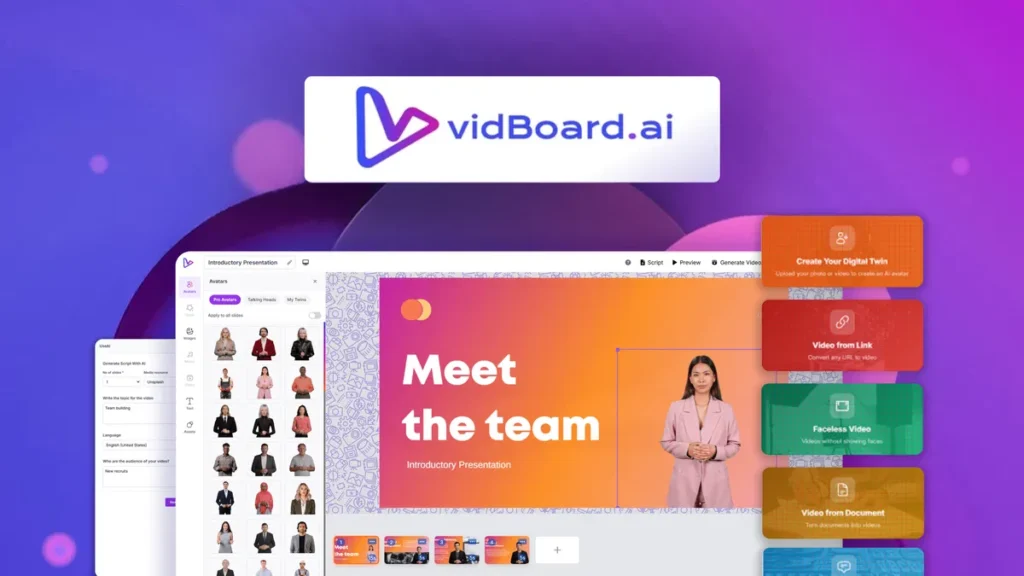
vidBoard Review: A Smart Way to Create AI Videos Without the Usual Headache
Let’s be honest: video creation often sounds exciting right up until you actually have to do it.
You start with a simple idea — maybe a product explainer, a training video, a social media clip, or even a quick tutorial. Then the usual chaos arrives. You need a script, visuals, voiceover, editing, subtitles, decent pacing, and if you’re camera-shy, that’s a whole extra hurdle. For many creators and businesses, that process becomes a bottleneck fast.
That’s where vidBoard steps in.
At its core, vidBoard is an AI video creation platform built for people who want polished, presenter-style videos without dragging out cameras, lights, microphones, or complicated editing software. It takes content in different forms — text, documents, even webpage links — and turns that material into avatar-led videos that look surprisingly professional.
And honestly? That’s the part that makes it interesting.
Instead of beginning with a blank timeline and a mild sense of panic, vidBoard tries to shorten the distance between “I have an idea” and “my video is ready.”
What vidBoard Actually Does
The simplest way to describe vidBoard is this: it helps turn information into video content with far less friction than traditional tools.
Imagine you’ve written a blog post and now want to repurpose it into a video for YouTube, LinkedIn, or your website. Normally, that would mean rewriting sections into a script, recording voiceover, gathering visuals, timing scenes, and hoping everything doesn’t feel stitched together. vidBoard aims to compress that workflow.
You can start with plain text, prompts, documents, or links, and the platform structures that content into a video format. From there, you can pair it with AI avatars, synthetic voices, captions, visuals, and layouts. In plain English, it’s a bit like having a shortcut between your rough draft and a finished video.
Actually, that’s probably why tools like this are getting attention. They aren’t trying to replace Hollywood editors. They’re trying to help regular people produce useful videos quickly.
A Closer Look at the Features
One of the strongest things about vidBoard is that it isn’t built around just one flashy trick. It offers a collection of practical features that work together, which matters more than a gimmick.
First, there’s the text-to-video side of things. If you already have a script or written content, vidBoard lets you transform that into a structured video without building every scene manually. That alone can save a ridiculous amount of time, especially for marketers, course creators, consultants, and small teams who publish often.
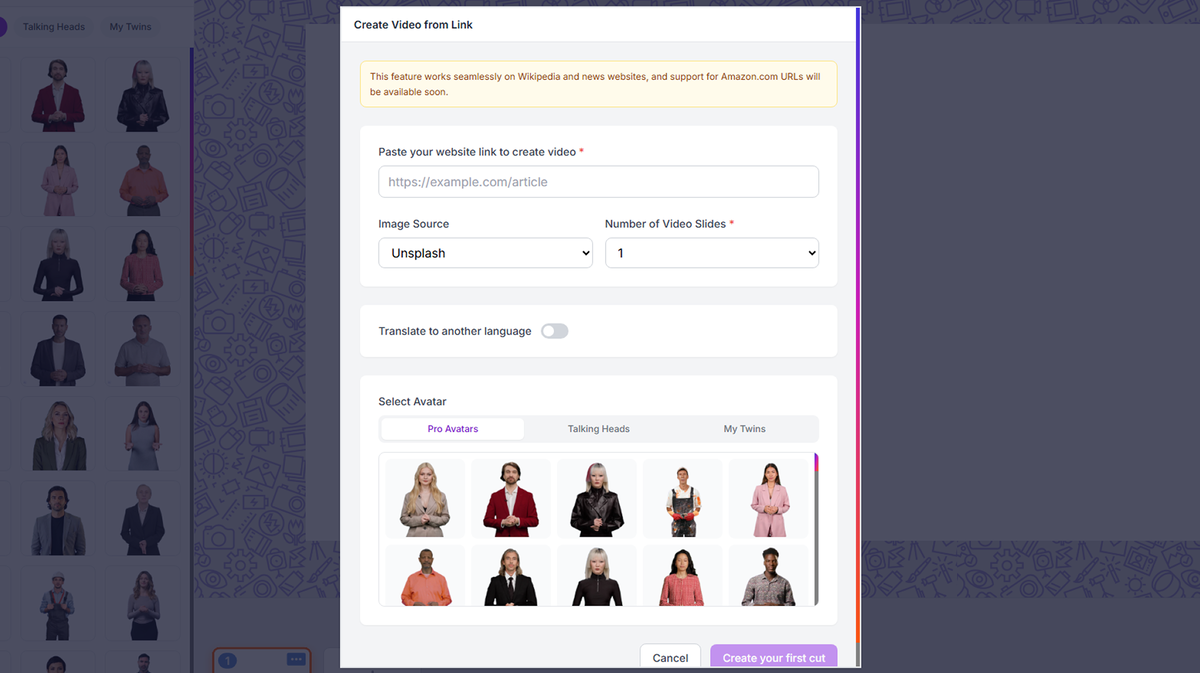
Then there’s document and URL conversion. This is one of those features that sounds minor until you picture real use cases. Say a company has a PDF training guide and wants to turn it into internal onboarding videos. Or a blogger wants to convert a live article into a short presenter video. Instead of copying pieces line by line, vidBoard can use those source materials as the starting point. It’s a practical convenience, not just a fancy checkbox.
Another standout feature is its AI avatar library. vidBoard includes a wide range of digital presenters, which means users can create videos that feel more personal without stepping in front of a camera themselves. For some people, that’s a productivity boost. For others, it’s a confidence boost. Not everyone wants to be the face of their content, and that’s perfectly reasonable.
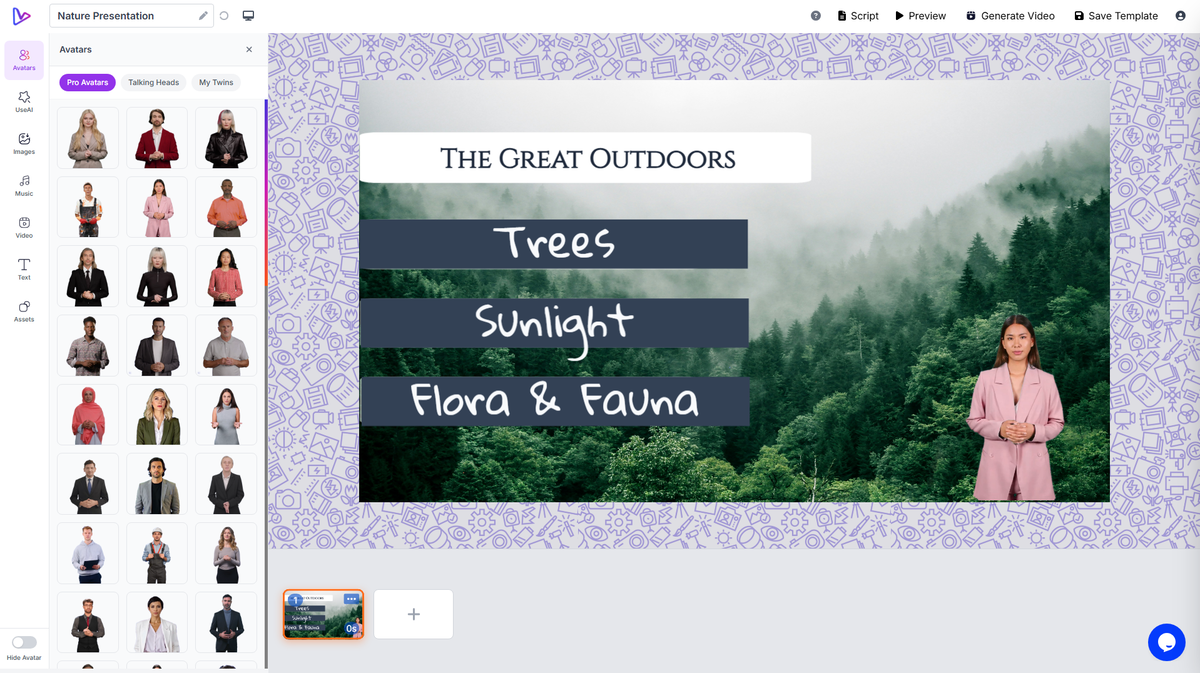
It also supports custom avatars, which opens the door for creators or brands that want something more distinctive. Think of it like choosing between renting a furnished apartment and designing your own workspace. Both get the job done, but one gives you more identity.
The voice options are another useful layer. vidBoard supports multiple AI voices and a broad range of languages, which can be especially handy for businesses with global audiences or creators trying to localize content. Instead of recording separate voiceovers for every variation, you can generate multilingual versions more efficiently.
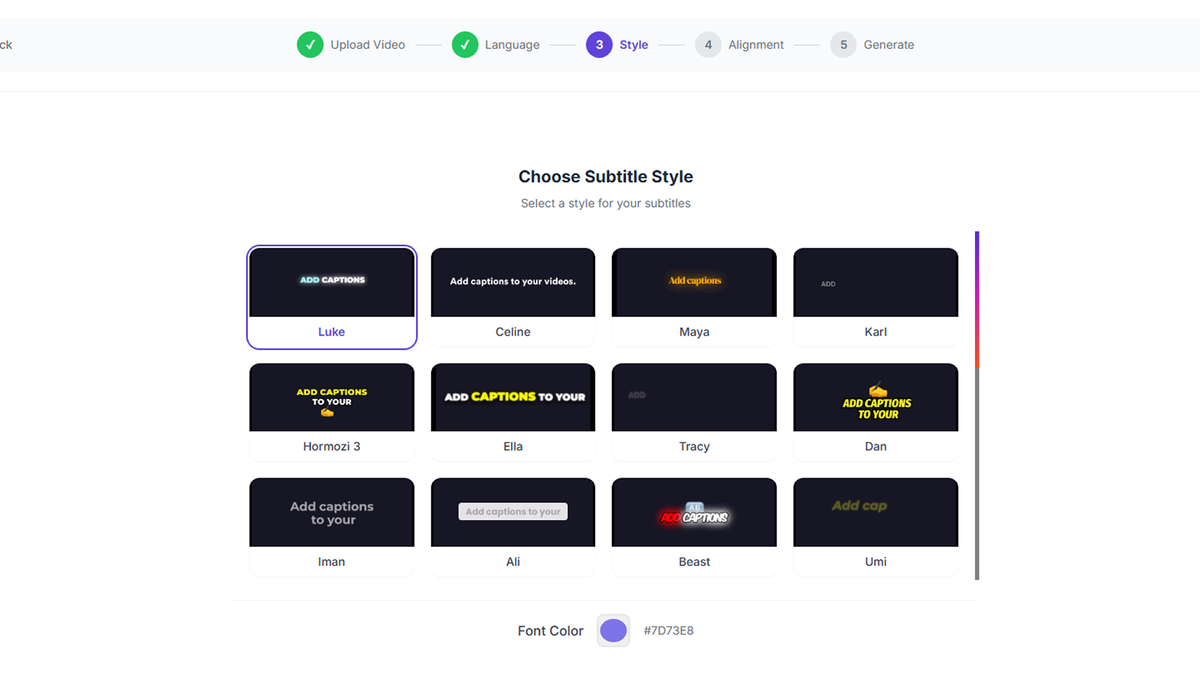
And yes, captions are part of the mix too. That matters more than people think. Plenty of viewers watch videos muted, especially on social platforms. Captions aren’t just an accessibility add-on anymore — they’re part of basic content survival.
Why It Appeals to So Many Users
What makes vidBoard appealing isn’t just the technology. It’s the kind of problems it solves.
A solo entrepreneur can use it to make explainer videos without hiring a production team. A coach can turn lesson notes into digestible educational clips. A startup can create onboarding materials without repeating the same presentation every week. Even affiliate marketers or bloggers can use vidBoard to stretch one piece of content across several formats.
That repurposing angle is important.
These days, content rarely lives in one place. A blog post becomes a short video. A webinar becomes snippets. A sales page becomes a product walkthrough. A help article becomes a customer tutorial. vidBoard fits neatly into that ecosystem because it helps people reshape existing material instead of starting from zero every single time.
Well, that’s often the real battle, isn’t it? Not creativity. Not even quality. It’s consistency.
 Edit your video with full creative control
The User Experience
A tool can have shiny features, but if using it feels like assembling flat-pack furniture in the dark, people won’t stick with it.
That’s why the usability side matters. vidBoard is designed to reduce complexity, which is a big part of its appeal. The workflow feels more guided than intimidating. You choose a format, add your content, customize visuals and voice, and build from there. It leans more toward accessibility than technical overload.
That makes it especially suitable for non-editors — people who need videos for business or content marketing but don’t want to spend weeks learning advanced editing software.
A good analogy? vidBoard feels less like a professional film studio and more like a well-organized creative workstation. You still make decisions, of course, but you’re not wrestling with every tiny mechanical detail.
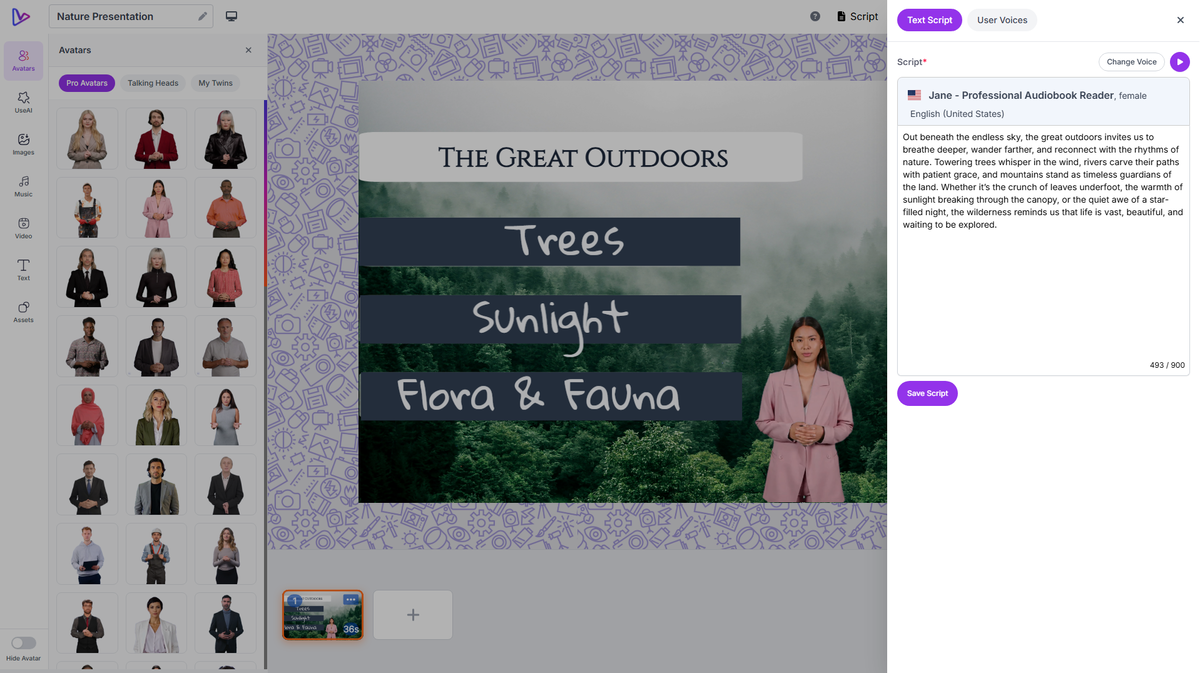 Level up your videos with built-in assets
Where vidBoard Shines Most
If there’s one area where vidBoard feels especially relevant, it’s speed.
Speed doesn’t mean laziness. It means reducing waste.
Traditional video creation often includes a lot of repetition: rewriting, recording takes, retiming scenes, fixing subtitles, gathering stock footage, and exporting endless edits. vidBoard streamlines much of that process, making it easier to move from idea to final output in a shorter window.
That can be valuable in real-world situations. Picture a small business launching a new service and needing a quick promotional video by tomorrow. Or a teacher building lesson content for an online module. Or a SaaS company needing product explainers for a feature rollout. In those cases, a fast and capable platform isn’t just convenient — it can directly support momentum.
And momentum matters. A lot.
Click Here To Learn More About vidBoard
vidBoard Appsumo Lifetime Deal
 You can’t afford to burn through your whole day creating video content. Luckily, vidBoard lets you turn documents, website links, and plain text into polished videos with lifelike AI avatars, voices, and captions.
ONE-TIME PURCHASE OF $69 $250
Alternative to: Canva, Synthesia, Vidyard
Best for: Educators, Marketing agencies, Small businesses
How To Get an Extra 10% Discount on vidBoard?
- Visit the “vidBoard Lifetime AppSumo Deal” page.
- Wait for some seconds, An Discount popup will appear.
- Enter your Email to receive the exclusive benefits.
- Check Your Email Inbox For Next Instructions.
- Get a 10% discount at the end.
- Discount valid for new users only.
So if the main price of vidBoard is $69, after getting a 10% discount you can buy it for $62 for your Lifetime. hurray !!!

Final Thoughts on vidBoard
vidBoard is one of those tools that makes immediate sense once you understand who it’s for. It’s not trying to be a full-blown cinema suite for elite editors. It’s trying to make video creation more reachable, more flexible, and much less draining for everyday users.
For creators, educators, marketers, founders, and teams that want avatar-led videos, multilingual voice support, document-to-video functionality, captions, and a smoother production flow, vidBoard offers a genuinely useful setup.
Is it magic? No. You still need ideas, judgment, and decent messaging. But that’s true of every tool.
What vidBoard does well is remove a lot of the drag.
And sometimes, that’s exactly what makes a platform worth using.
Do you Want 10% Discount On All Appsumo Products?
Click Here To Join On Appsumo Plus !
Alert !
Most deals are out of stock within a week of coming to Appsumo. So take it now if you need it. Also, check the amazing deal On this Site.